

Debt Payoff Spreadsheet, Debt Snowball & Avalanche Tracker, Credit Card Mortgage Student Loan Payoff Tracker, Excel Google Sheets
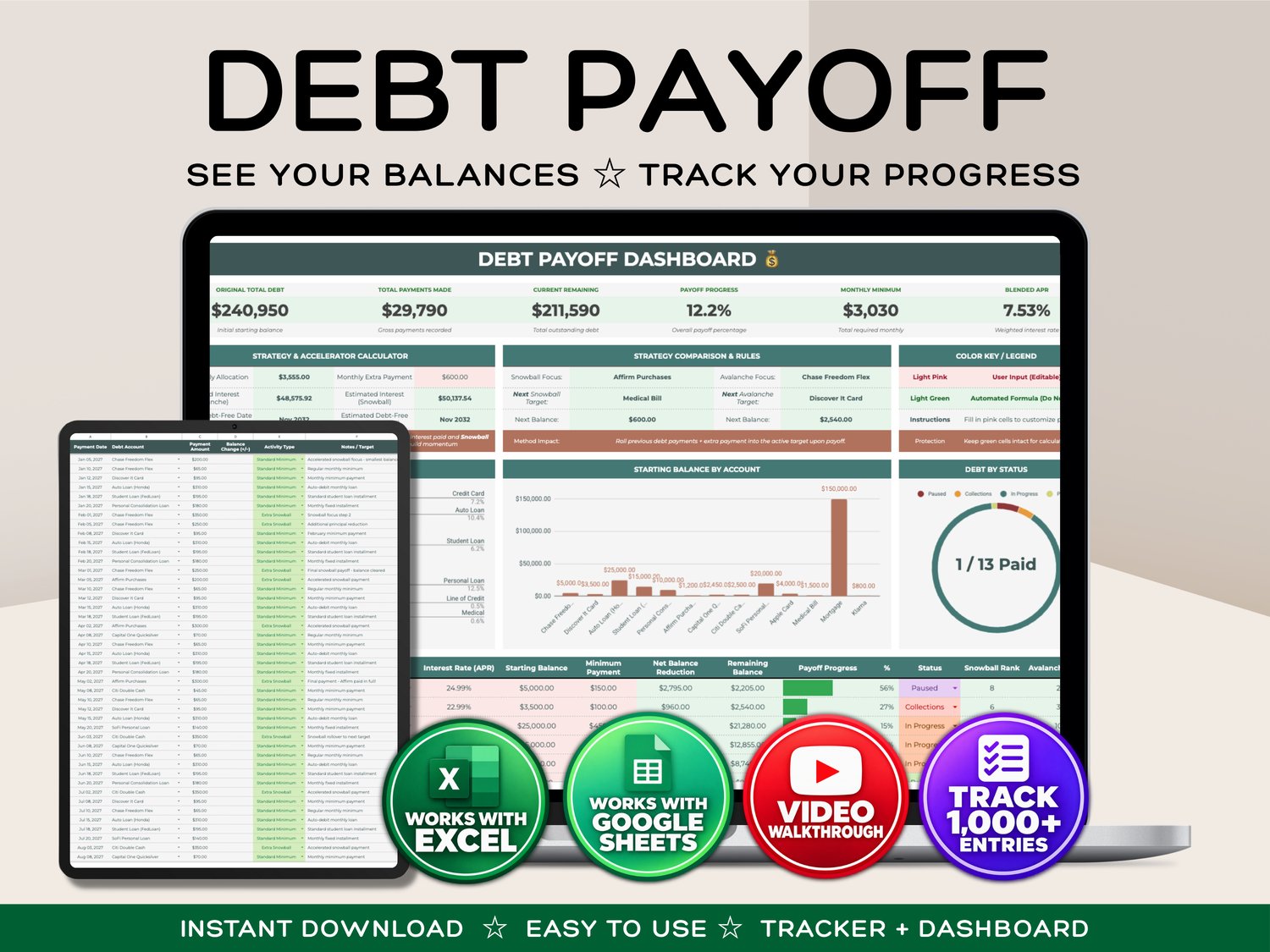
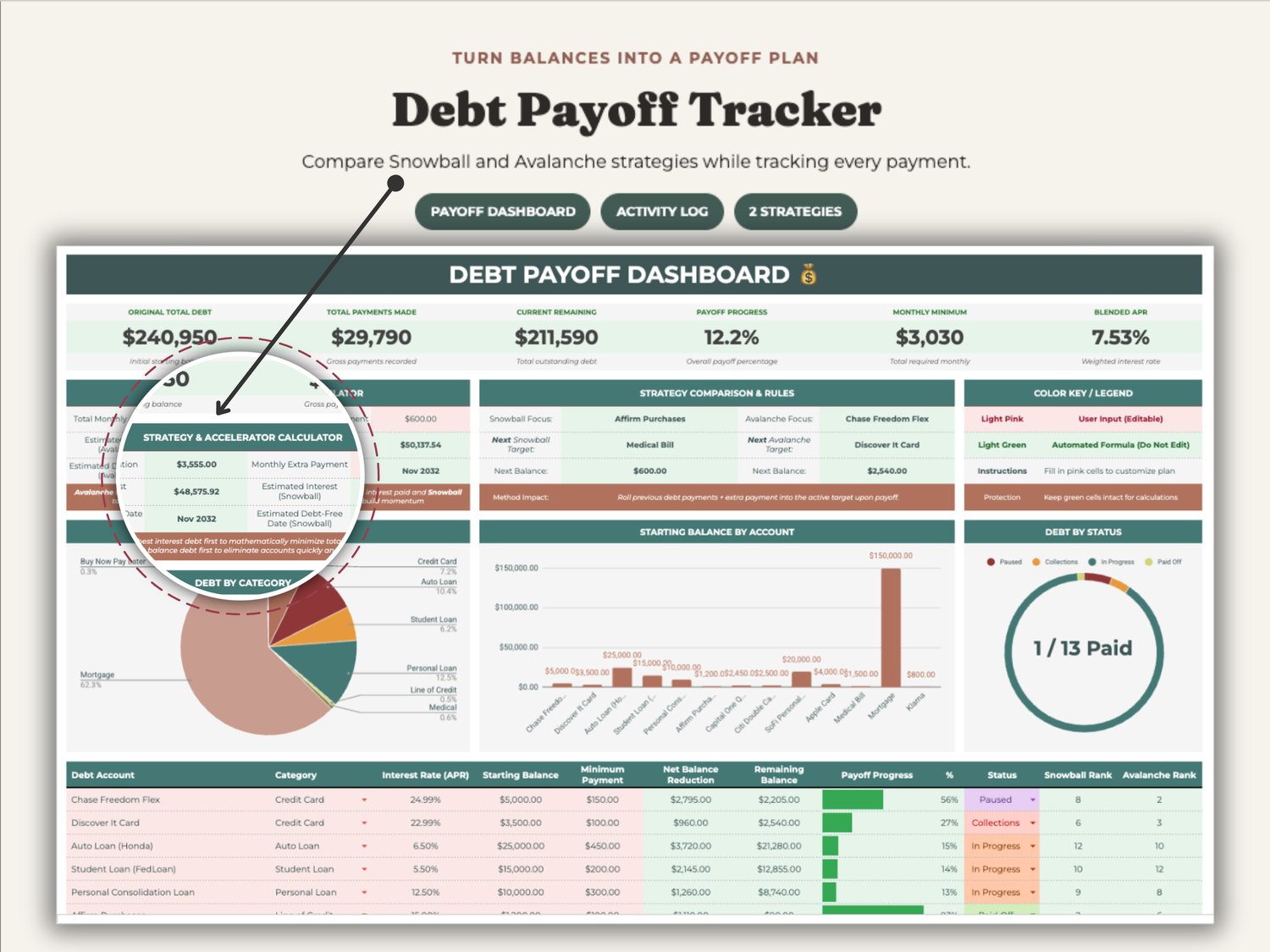
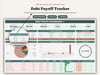
Turn multiple balances into a clear payoff plan. This Excel and Google Sheets debt payoff tracker combines Snowball and Avalanche strategy comparisons, a payment activity log, account-level progress charts and a visual dashboard.
KEY FEATURES
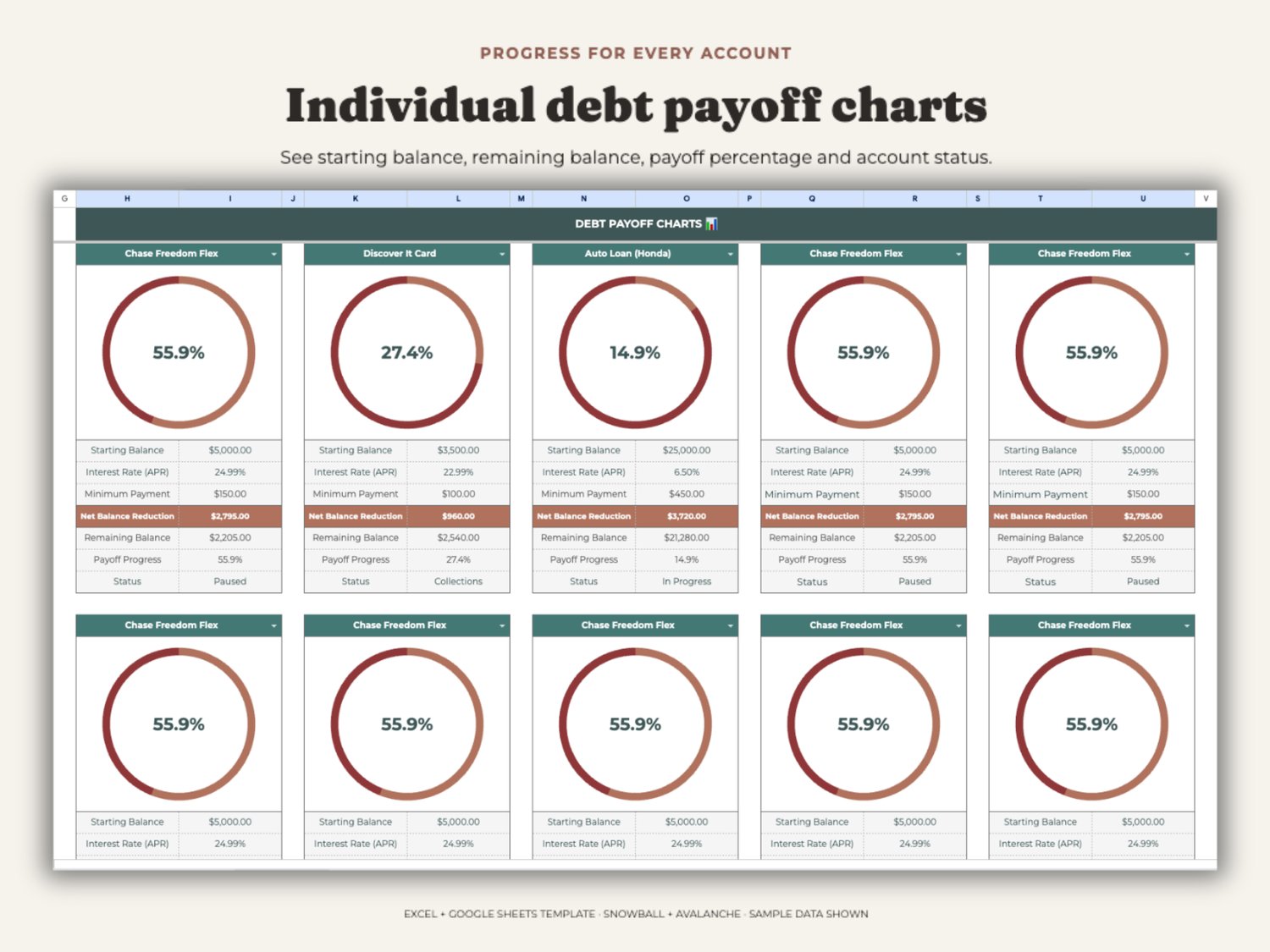
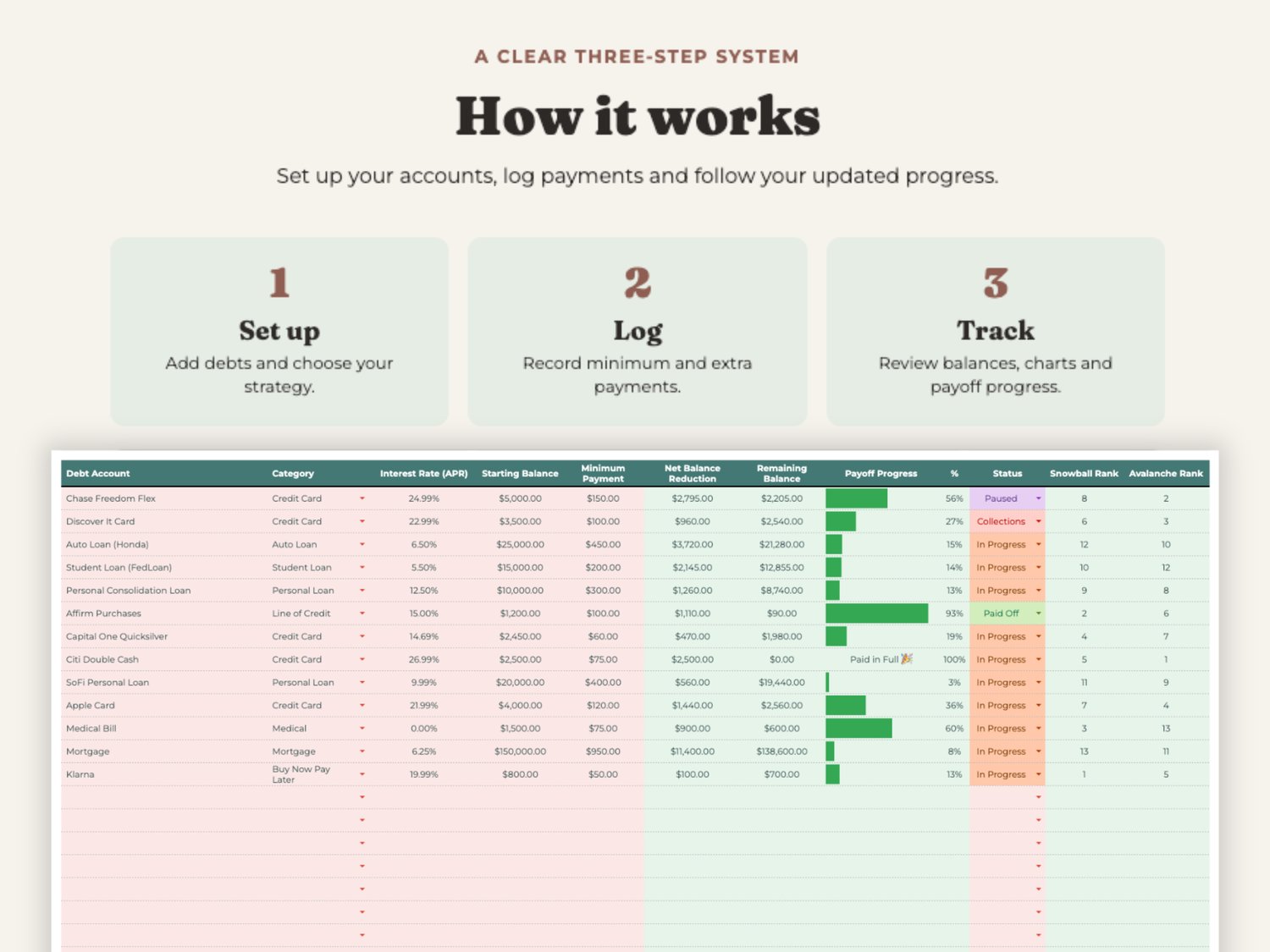
• Track original debt, payments made, remaining balance and overall payoff progress
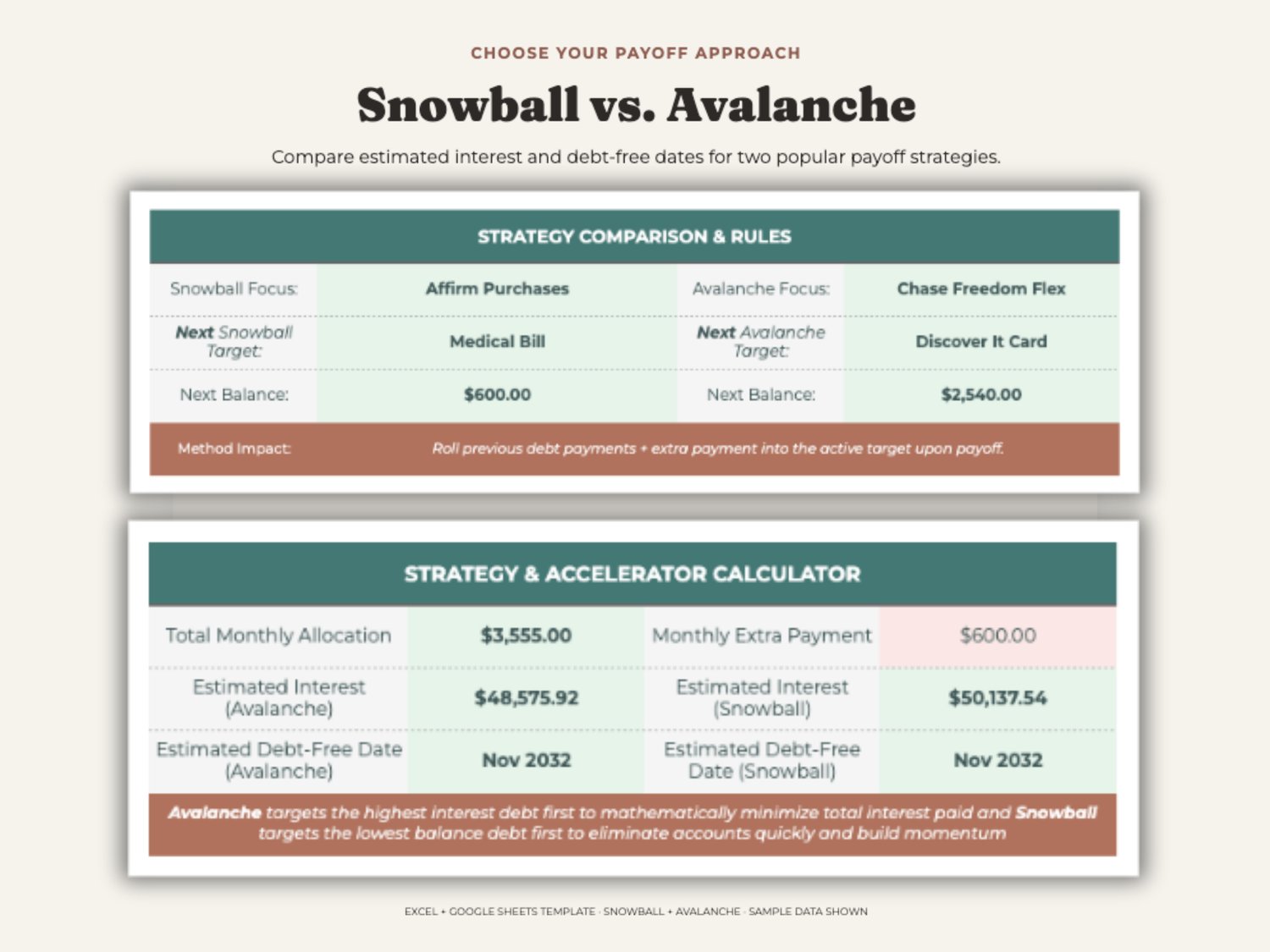
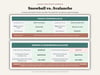
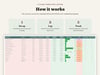
• Compare Debt Snowball and Debt Avalanche strategies
• Direct your monthly extra payment toward the active target debt
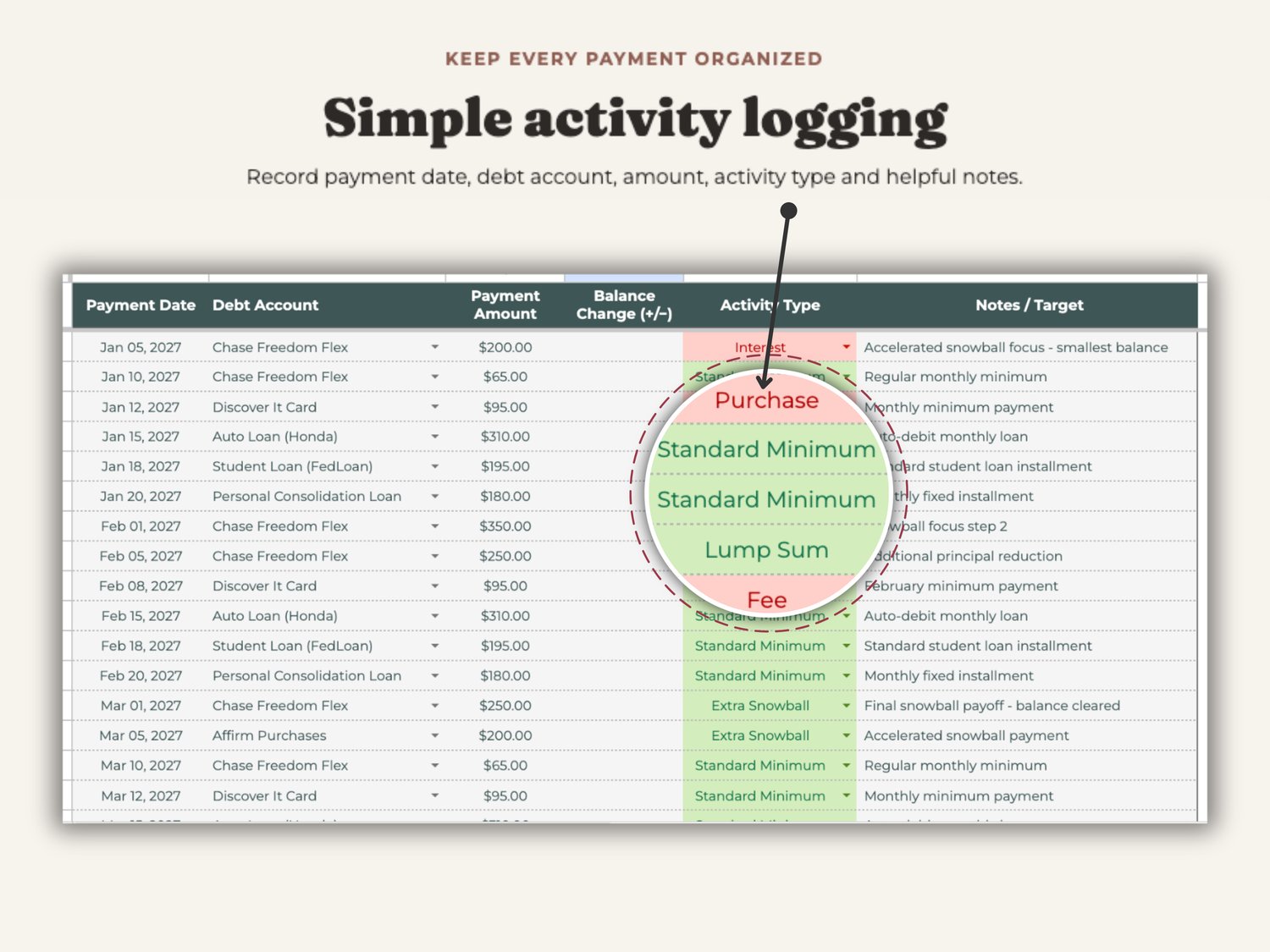
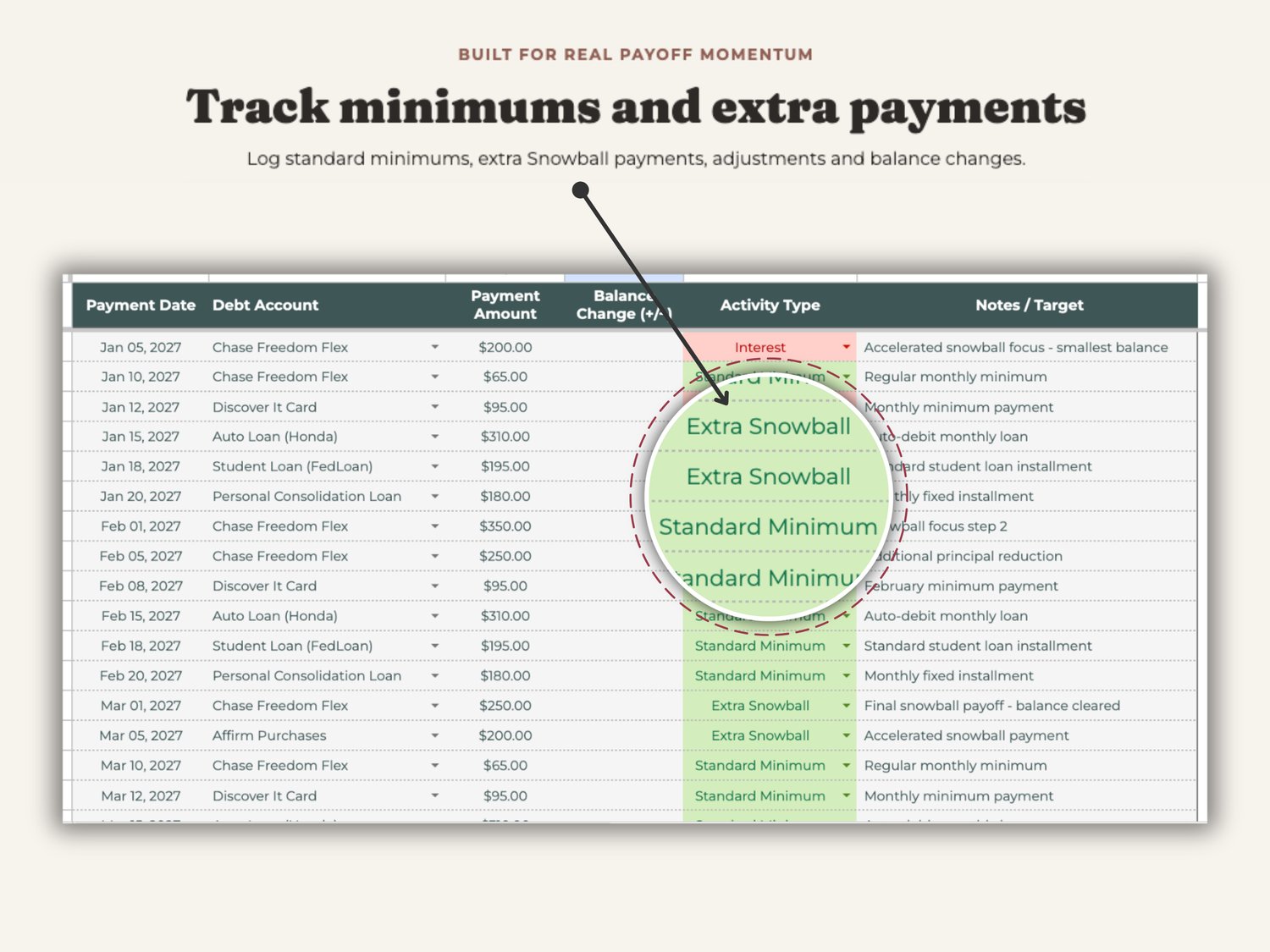
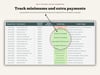
• Log standard minimums, extra payments, adjustments, interest, fees and purchases
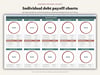
• Review account-level payoff charts and remaining balances
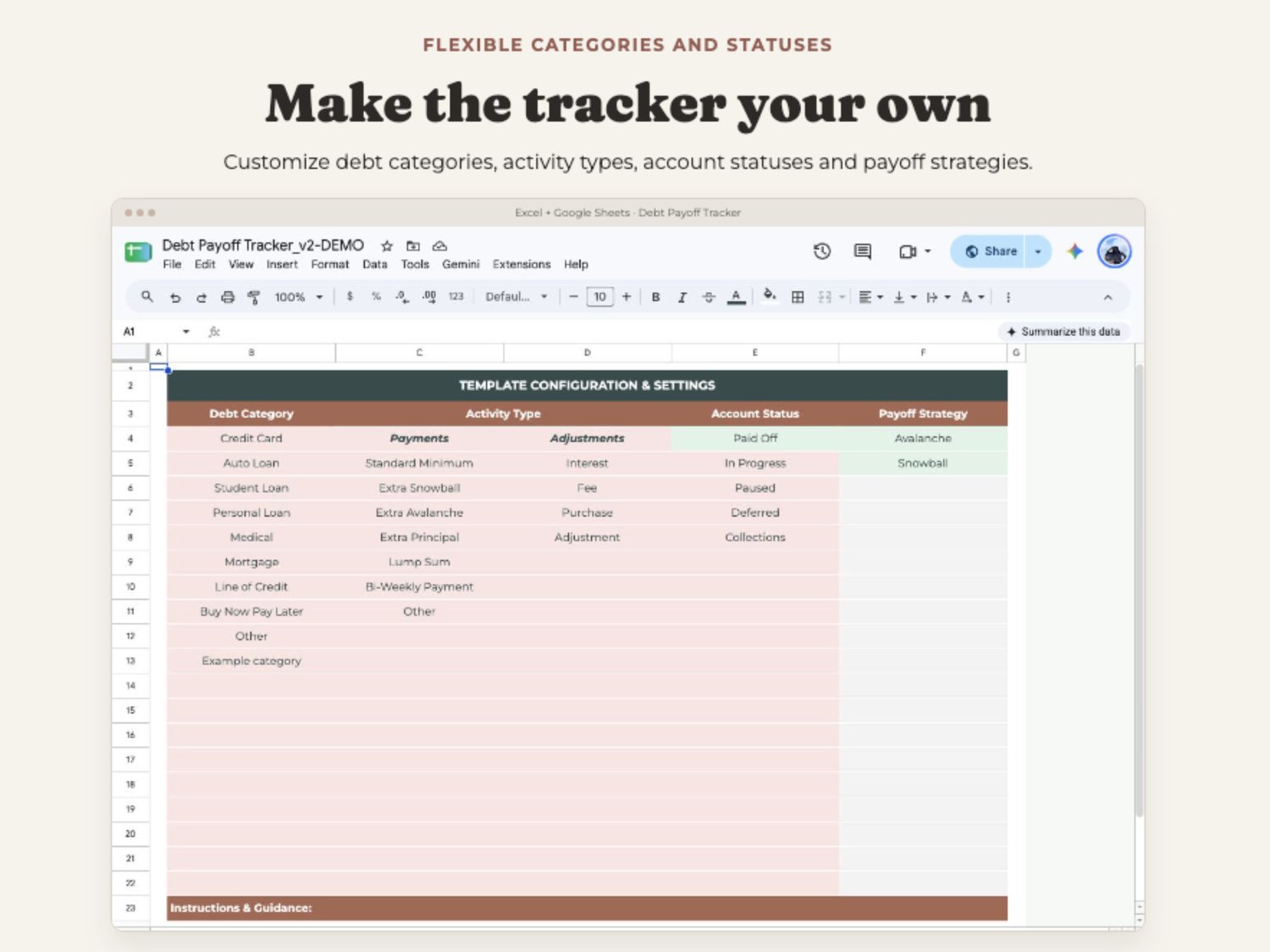
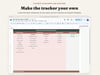
• Customize debt categories, activity types, account statuses and payoff methods
WORKBOOK TABS
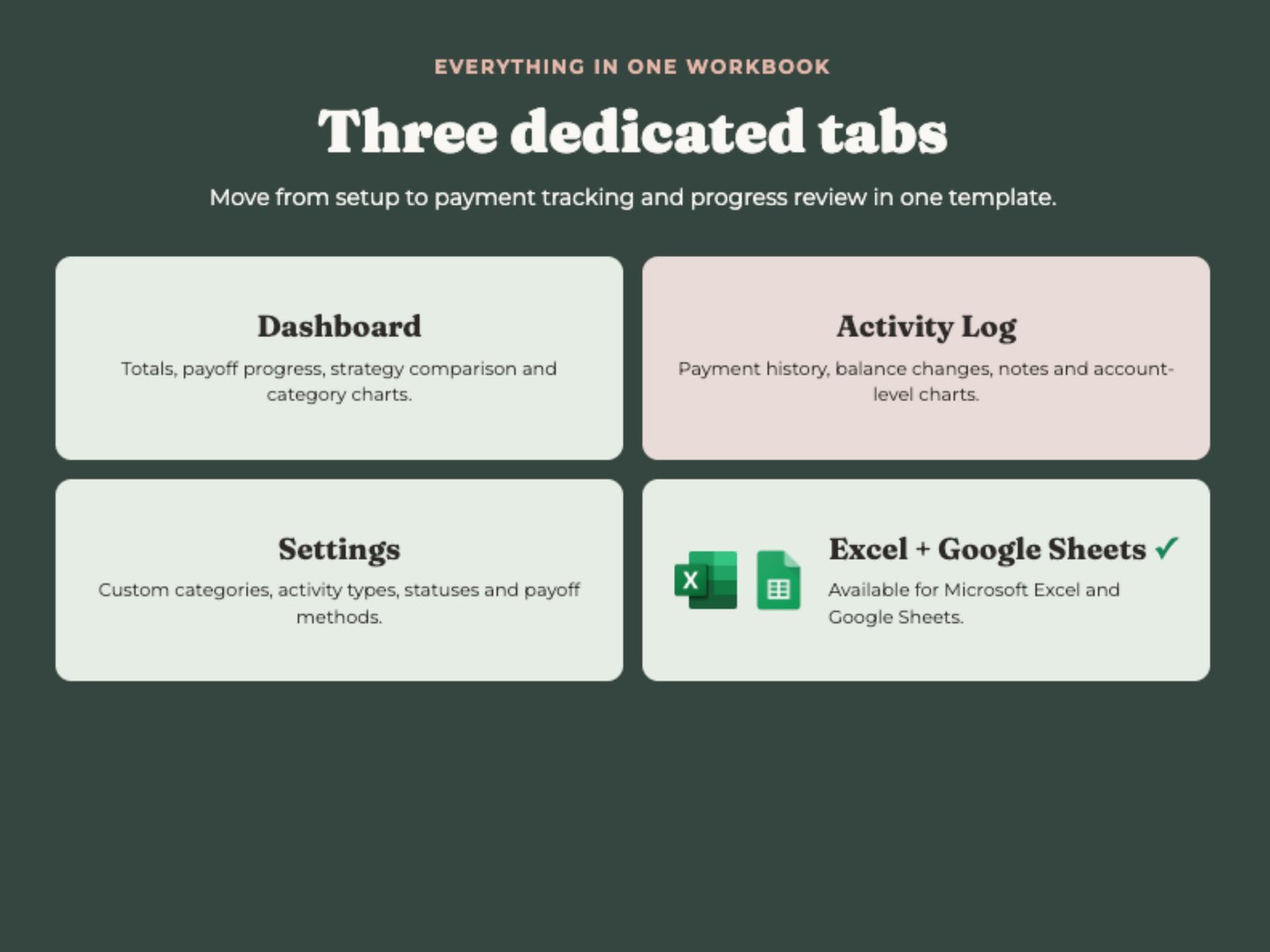
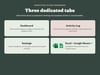
• Dashboard: total debt, payments, payoff progress, strategy comparison and charts
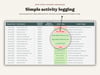
• Activity Log: payment history, balance changes, notes and account-level progress
• Settings: customizable categories, activity types, account statuses and strategies
HOW TO USE
1. Open your copy in Microsoft Excel or Google Sheets.
2. Customize the Settings tab for your accounts and preferred terms.
3. Record payments and balance-changing activity in the Activity Log.
4. Review the Dashboard and individual account charts as balances update.
PLEASE READ
Available for Microsoft Excel and Google Sheets.
This is an organizational and planning tool, not financial advice. Estimated payoff dates and interest depend on the information entered. Confirm account balances, rates and payment handling with each lender. Listing images contain sample data. Digital product only; no physical item is shipped.